
Moving from the demo to the full game
Quick answer
Open Warhammer Survivors in your library. Progress from the earlier or October demo stays in that demo.
Installing the full game starts a new set of progress. Use this checklist if your library contains both Steam builds or if you are moving from the demo to another platform. Auroch FAQ
Install and open the full game
- Choose your storefront using the platform guide. For Game Pass, look for the full game in the catalogue for your device.
- On Steam, open Warhammer Survivors. The separate Warhammer Survivors Demo entry still starts the October build.
- Start a full-game run. Demo unlocks do not transfer. The October demo also started fresh for players of the earlier demo.
Pick your first full-game unlock
Choose the setting and weapon you want to learn. Work toward one weapon evolution, then open the unlock objectives after the run. The champion guide explains how playing a starter and adding it to the wider weapon pool are separate milestones.
If you want to continue the demo, use the demo champions and rules. Full-game launch notes
Keep browsing
All guides11
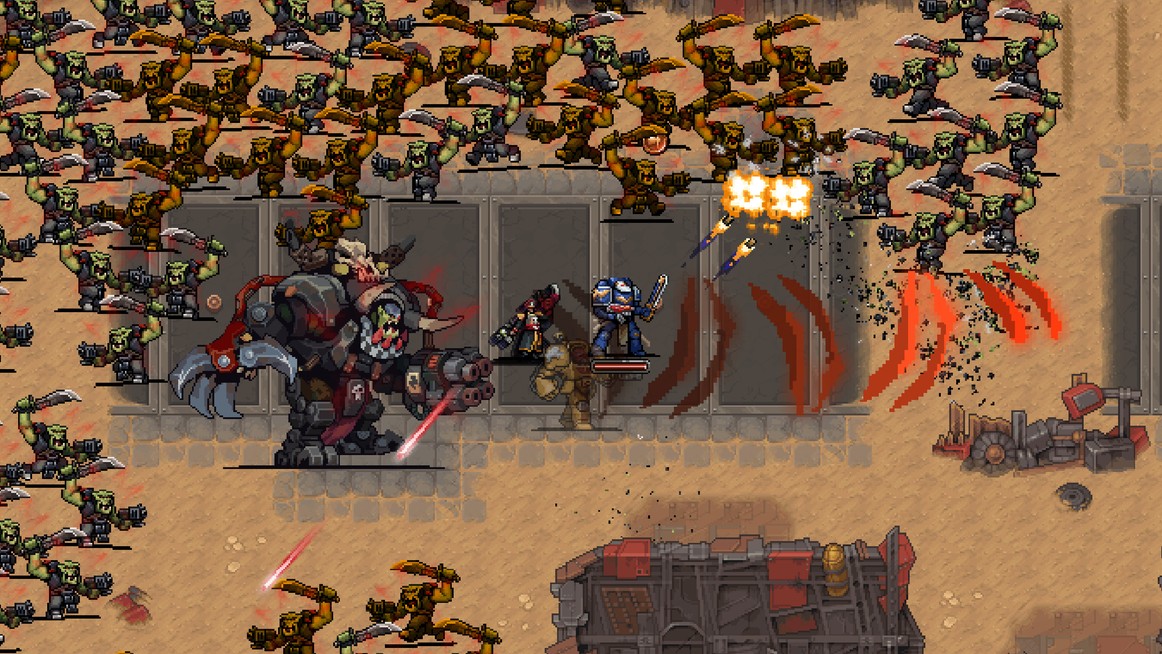
Field notes
How a run actually goes
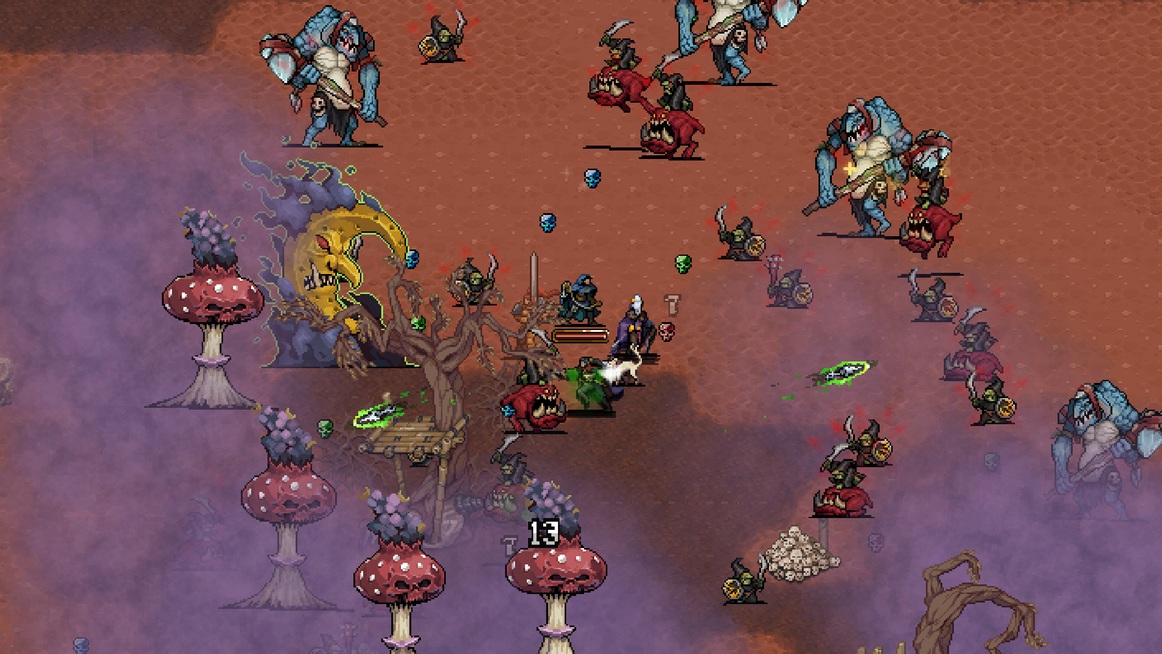
Field notes
Two settings, one screen
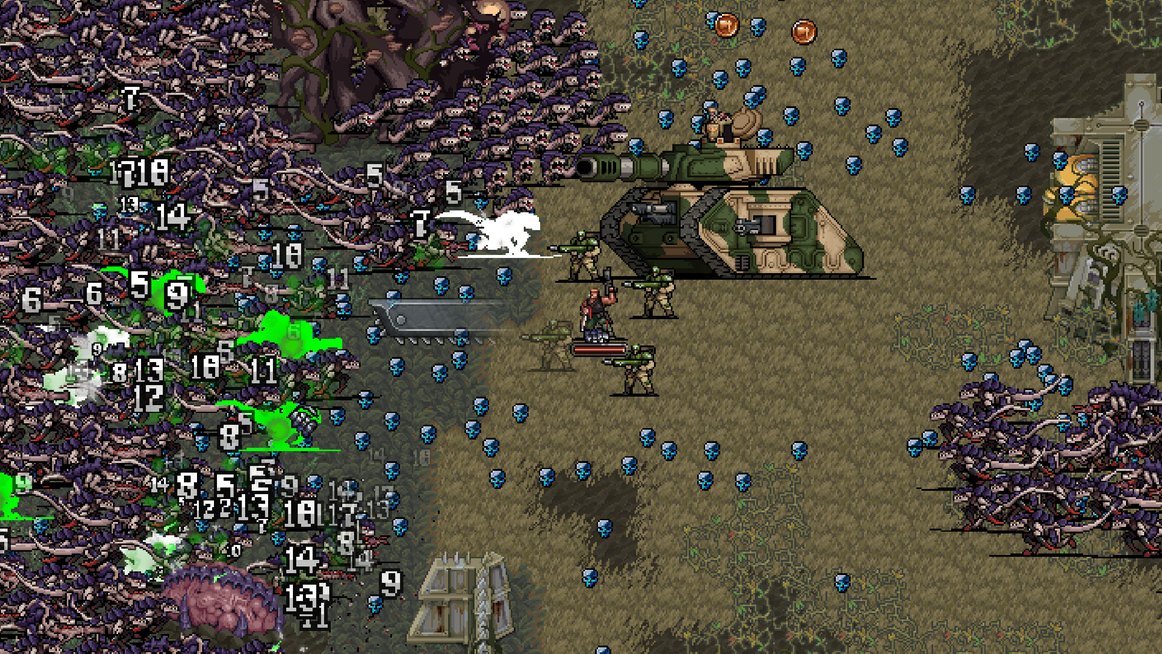
Launch
Release, price and platforms
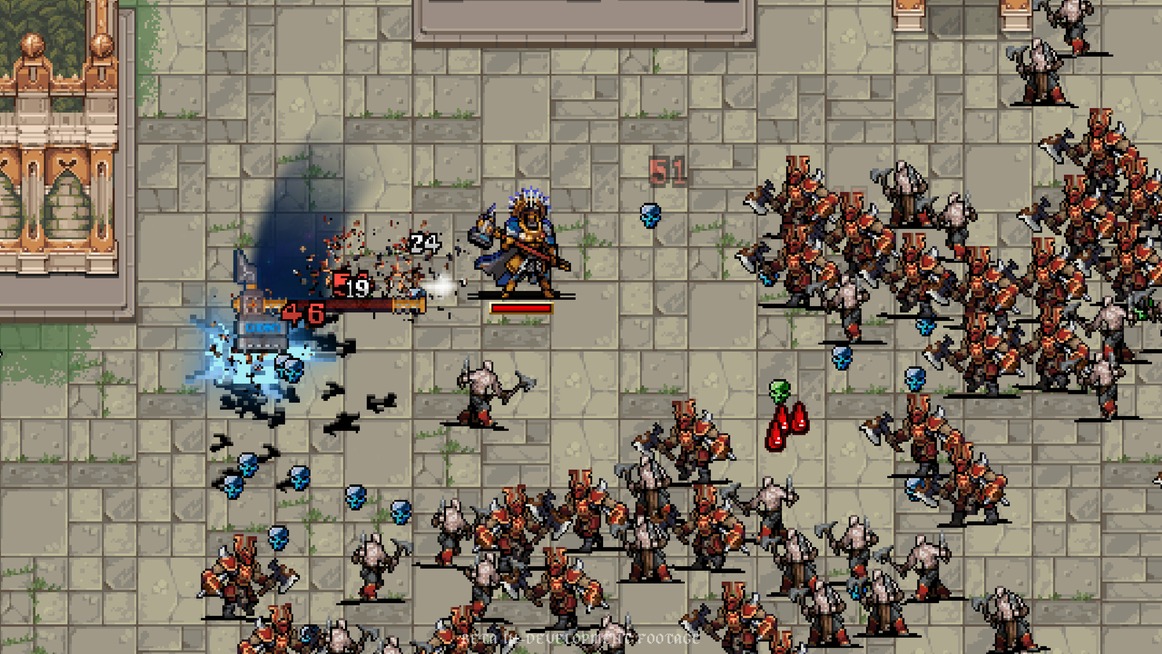
Demo
Demo champions and rules
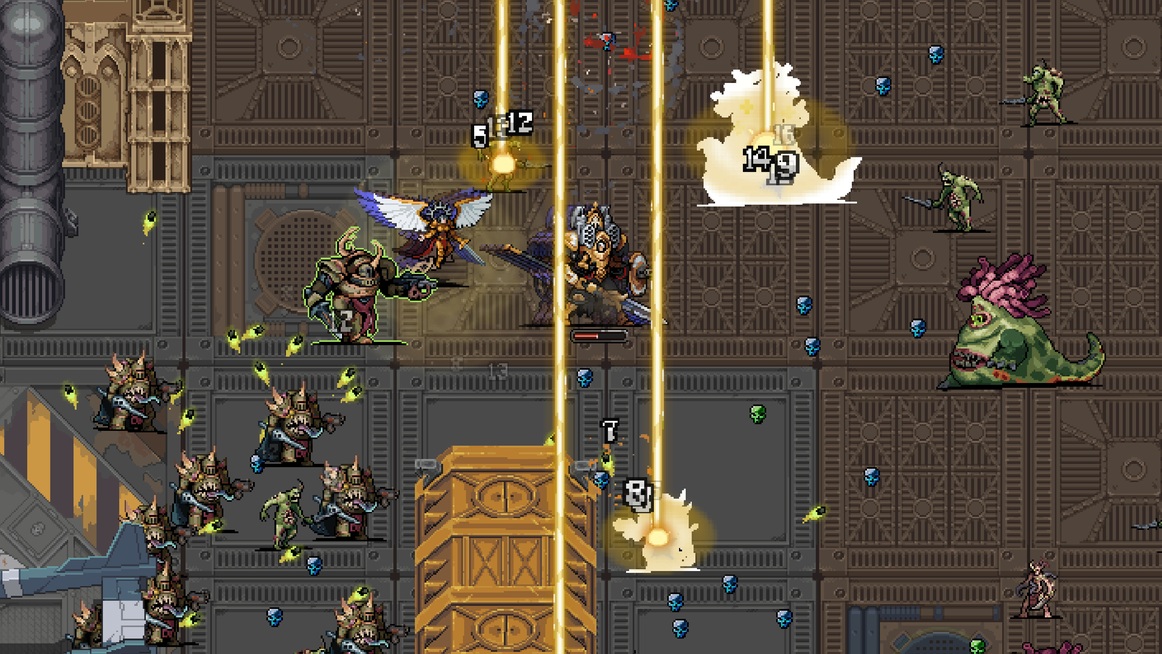
Start
Beginner survival loop
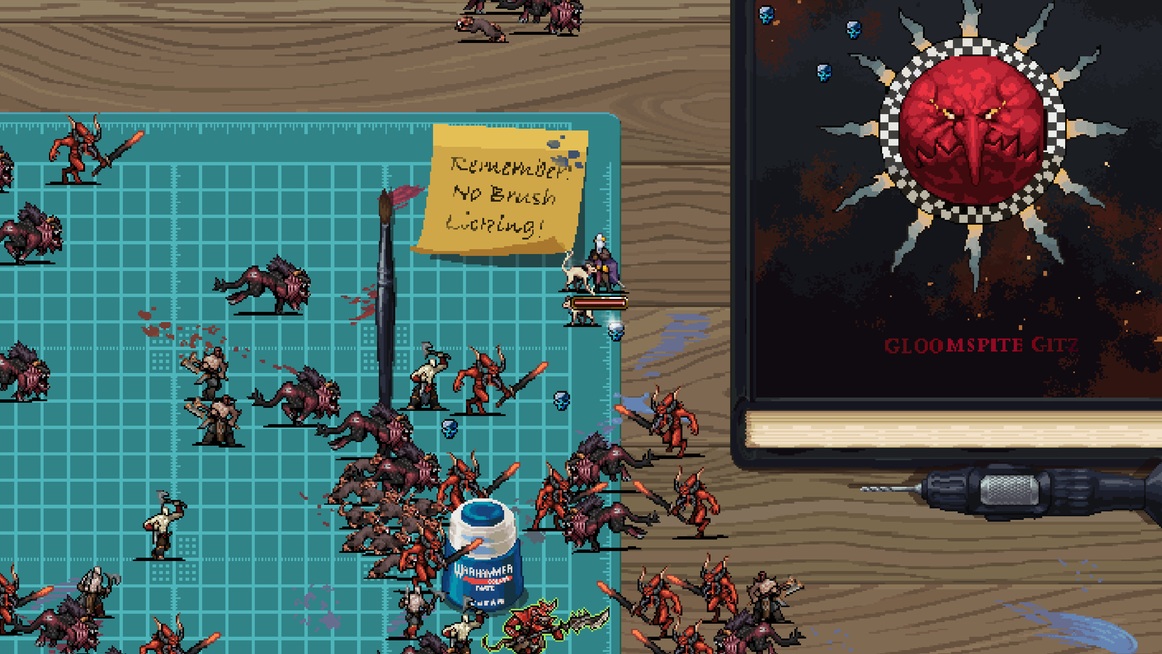
Roster
Champions and start kits
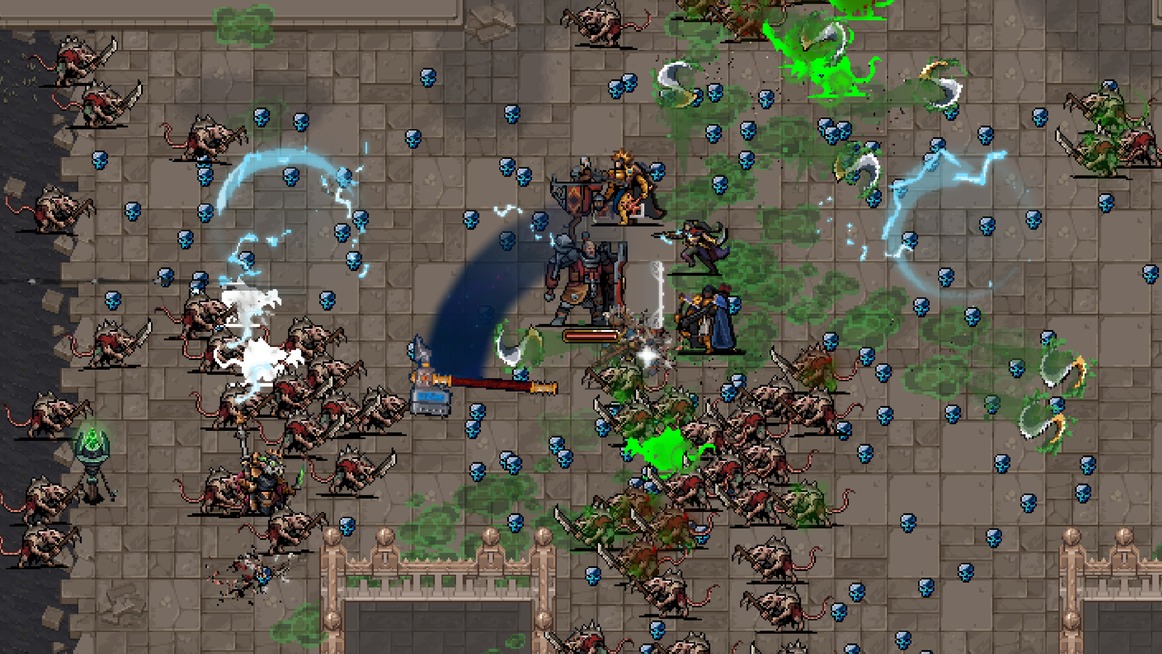
Arsenal
Weapons and evolutions
Hordes
Faction traits and enemy skills
Items
Pick-ups by universe
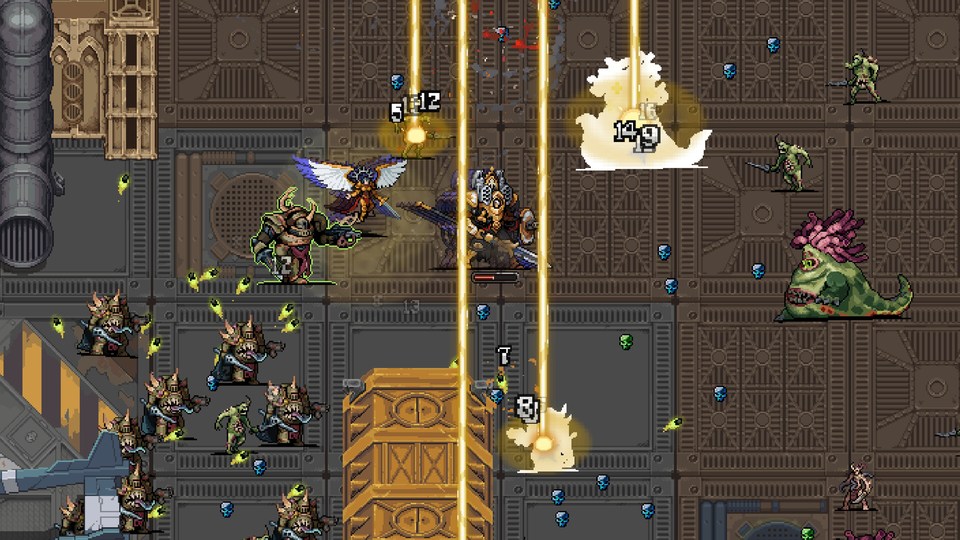
Maps
Stages, bosses and Extremis
Arsenal